Pack Color Attribute
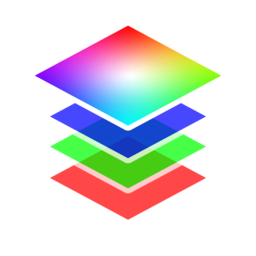
Pack/blend up to four float attributes into a color attribute.
Outputs
- Color (Point): No description provided.
- Color (Face Corner): No description provided.
Settings
- Base Color: Color attribute to blend on top of (optional).
Red/Green/Blue/Alpha
Pack/blend an attribute into the the specified channel.
- Blend Mode:
- Disable: Disable blend
- Replace: Replace A with B
- Multiply: Muliply A by B
- Add: Add B to A
- Min: Minimum value of A and B
- Max: Maximum value of A and B
- Screen: Brighten A using the brightness of B
- Overlay: Brighten/darken A using values above/below 0.5 on B.
- Divide: Divide A by B
- Subtract: Subract B from A.
- Attribute: Attribute to pack/blend into channel.
- Opacity: Opacity of blend. Supply attribute for local masking.