Thickness
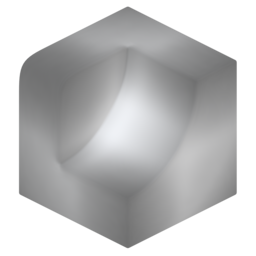
Calculate ray-traced thickness of a mesh. For more information about the ray-casting process see here. You can reduce noise by increasing ray count (expensive) or blur (cheaper).
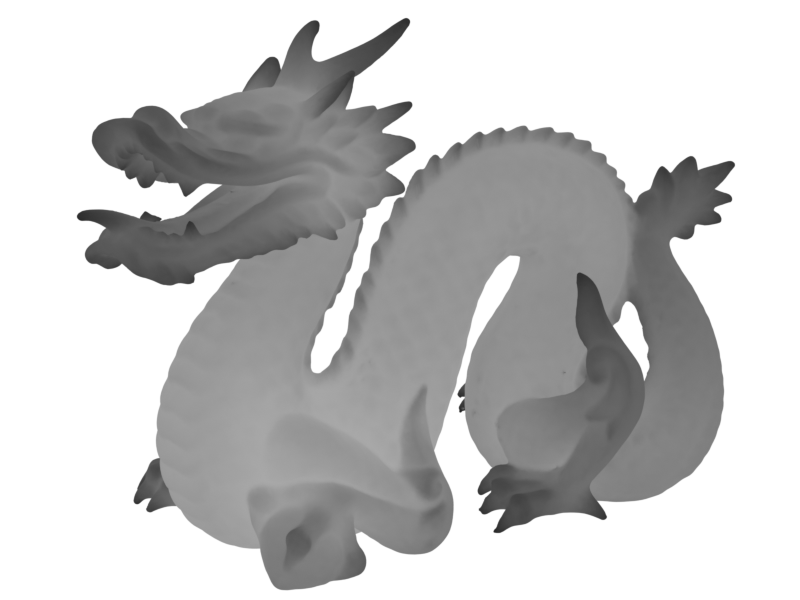
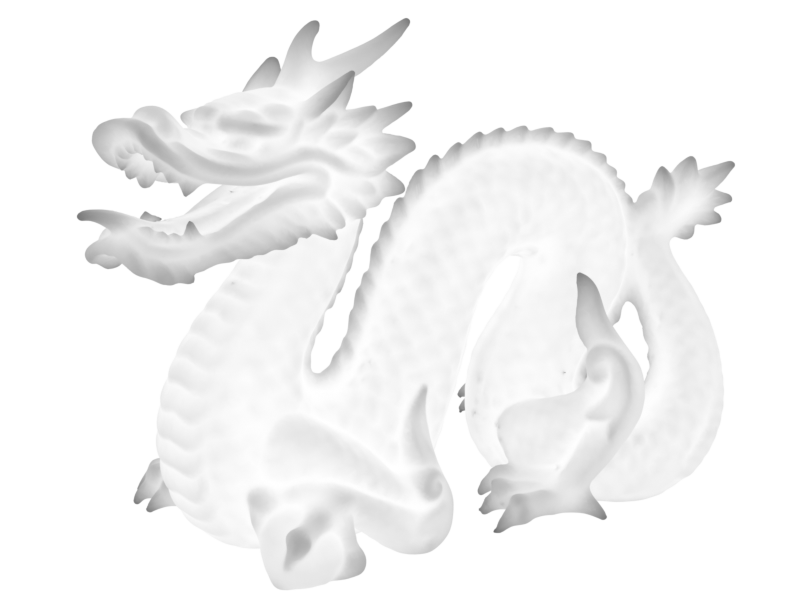
The ray length sets the maximum thickness to search for:
-
Short Rays
-
Long Rays
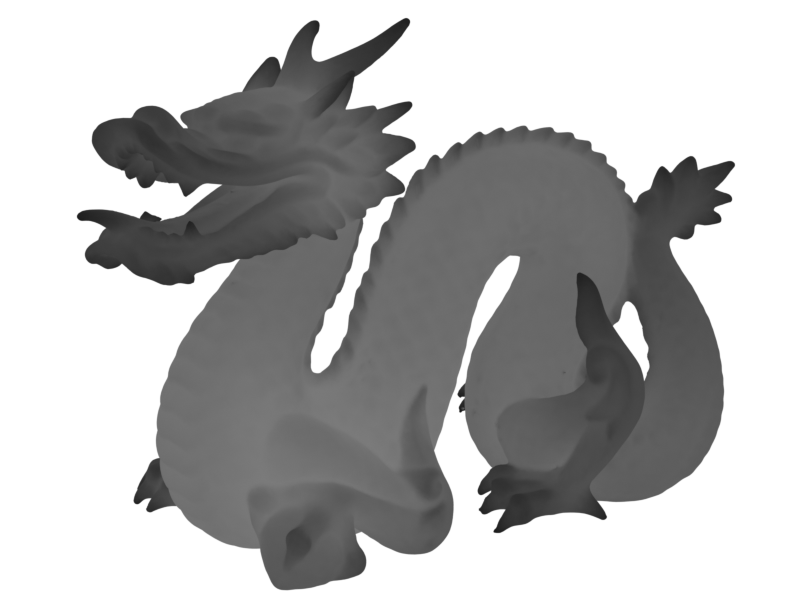
Outputs
- Thickness: Output thickness attribute.
- Color: Output thickness attribute as color (used for visualisation).
Settings
Rays
- Accumilation: How ray values are accumilated:
- Average Hit Distance: Uses the average ray hit distance compared with the ray length. Often produces smoother results but values will change with the ray length.
- Hit Count: Uses ray hit/miss ratio. Can be noisier but values are independent of ray length.
- Ray Count: Number of rays cast from each point.
- Ray Length: Maximum distance to check for ray collisions.
- ConeAngle: Maximum ray angle from the normal. Rays will be distributed evenly in a cone up to this angle.
Blur
Blur result. Improves noisy results.
- Blur Iterations: How many iterations to blur the result.
Occlusion Geometry
Additional geometry for rays to collide with.
- Occlusion Object: Additional object to act as occluder.
- Occlusion Collection: Additional collection of objects to act as occluders.