Common Settings
Raycasting
Modifiers that use ray casting use the same underlying method:
-
Rays are cast from a point in a Fibonacci cone up to the specified angle.
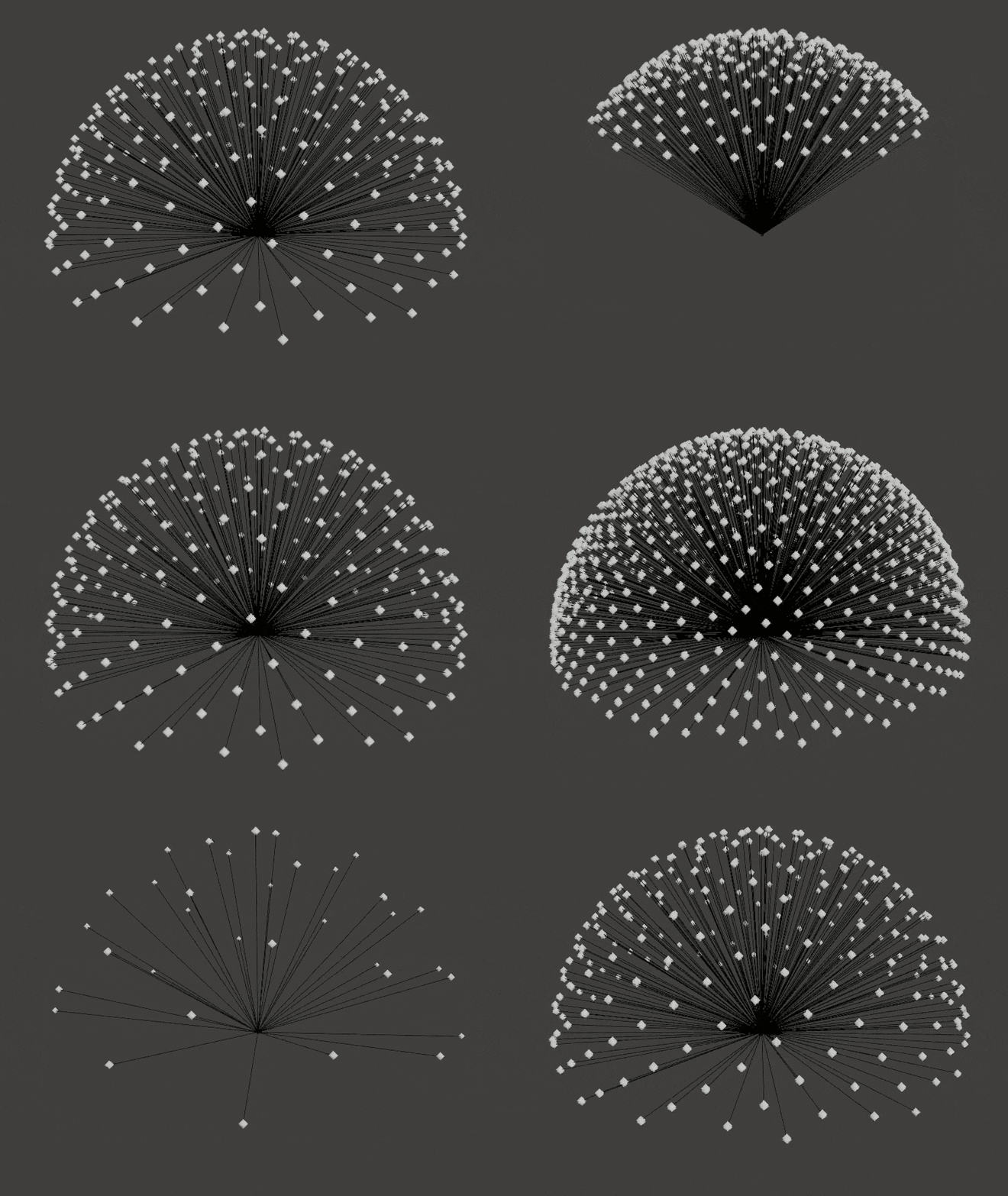
-
Collisions with geometry and their distance are recorded.
- The collision data is averaged for the point using one of two methods:
- Hit count: Collisions / Total rays
- Average Distance: Hit Distance / (Total Rays * Ray Length)
S-Curve
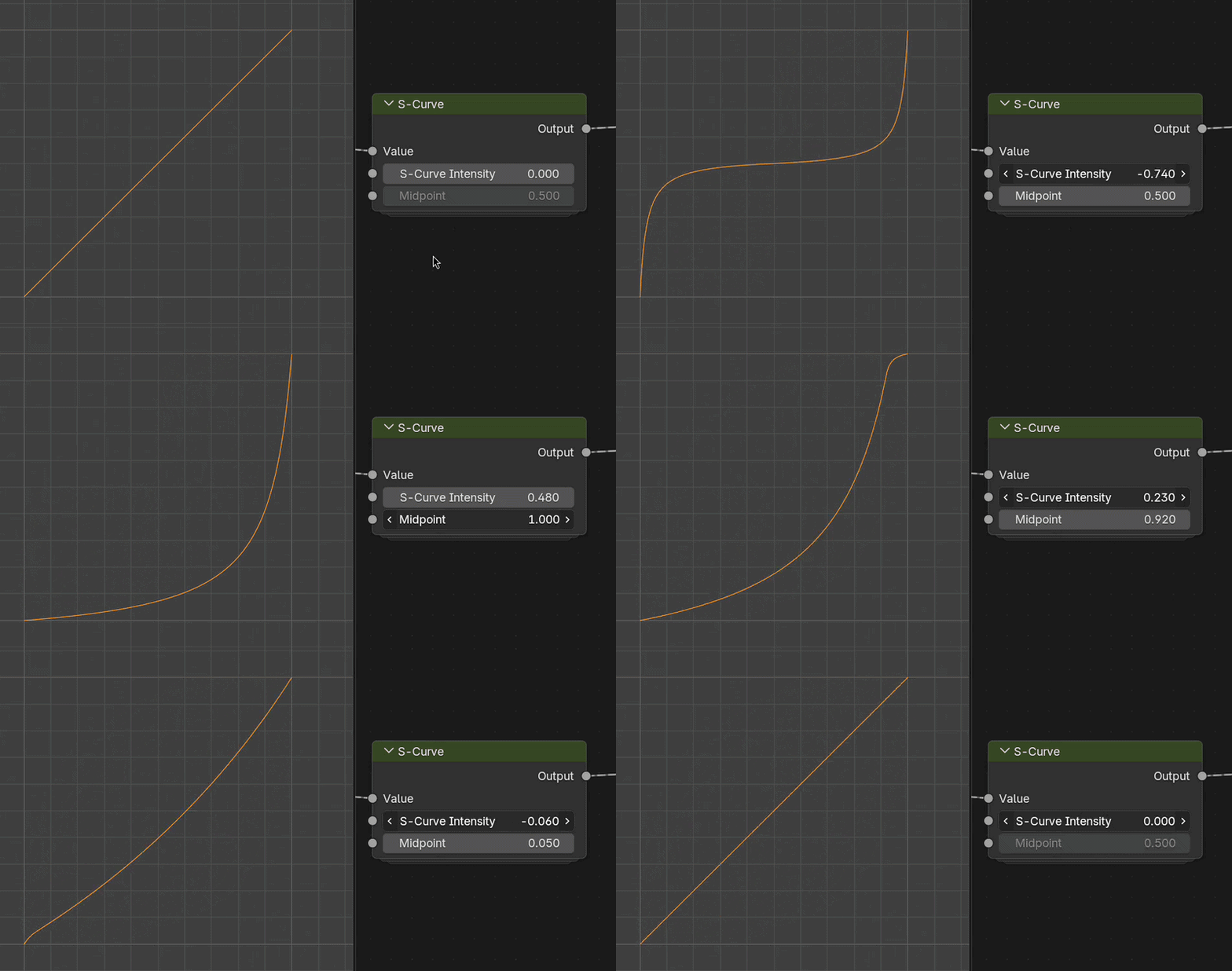
Many vertLab tools have "S-Curve" controls to quickly add contrast to 0:1 values.
There are two settings to control a S-curve:
- Intensity/Amount {-1:1} How much of a curve to add. 0 = linear interpolation.
- Midpoint {0:1} Where the center of the S is. At fully 0 or 1 the S-curve becomes a bias.
Histogram Operations
These settings remap the 0:1 value range. You can see their effect on both a noise and linear gradient below.
-
Input Values
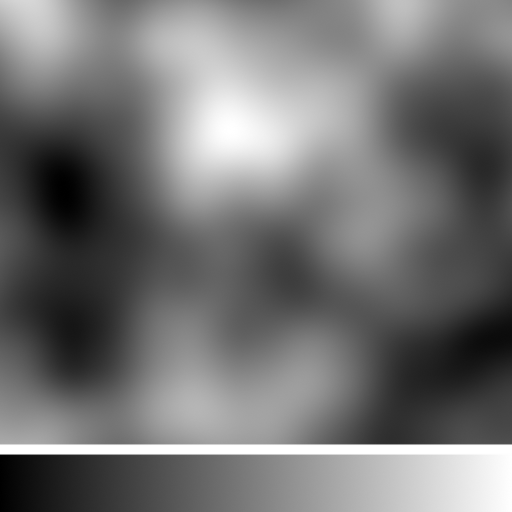
Base values, no operation.
-
Splits
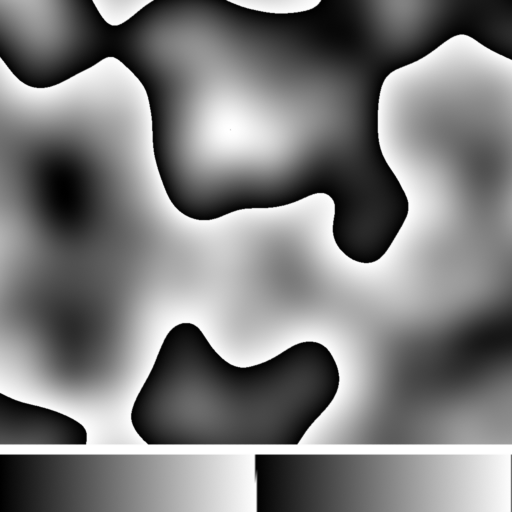
Scales and loops the value range. Introduces harsh transitions.
-
Offset
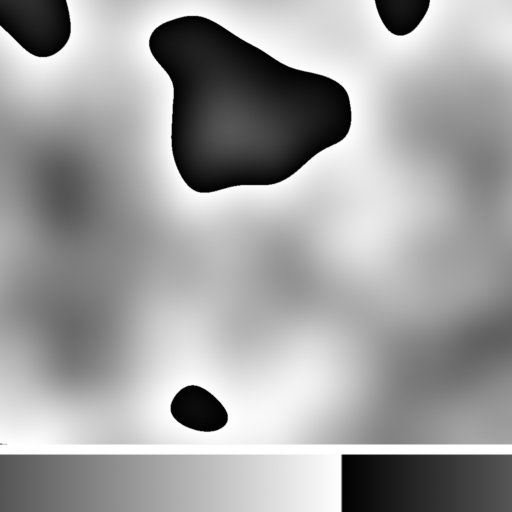
Offsets and loops values.
-
Fold: Peaks
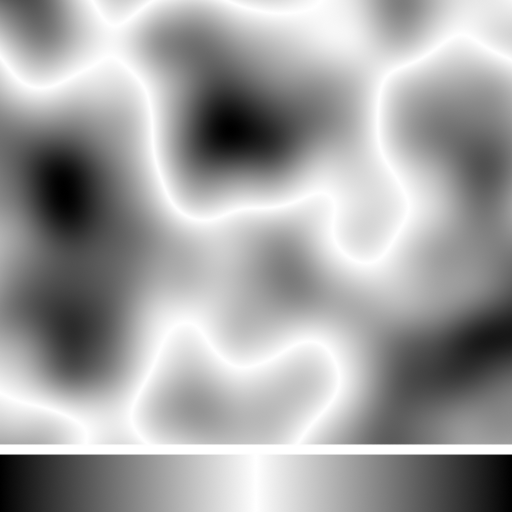
Values above a threshold will be inverted. The threshold becomes the new white point.
-
Fold: Valleys
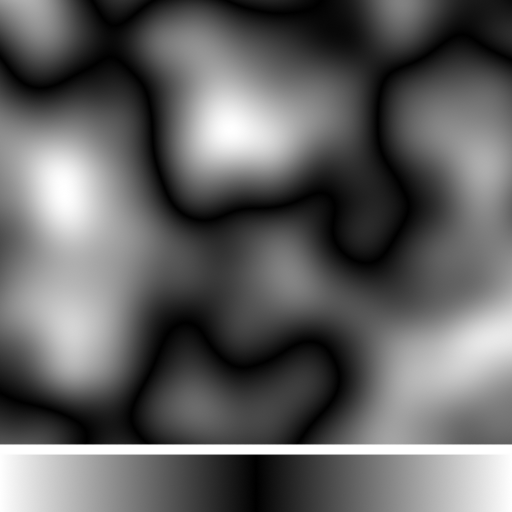
Values below a threshold will be inverted. The threshold becomes the new black point.
-
Split + Fold
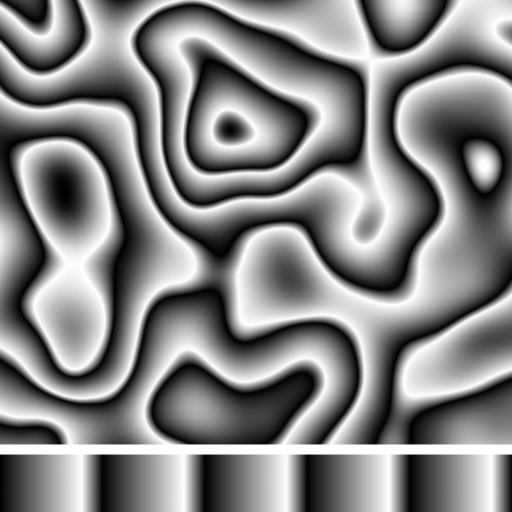
Folding values removes the harsh changes introduced with using "Split".