Mark Sharp
Mark Sharp will mark edges as sharp based on edge angle. This is similar to Blender's Smooth By Angle modifier but with extra options. There are options to remove and/or add custom normals.
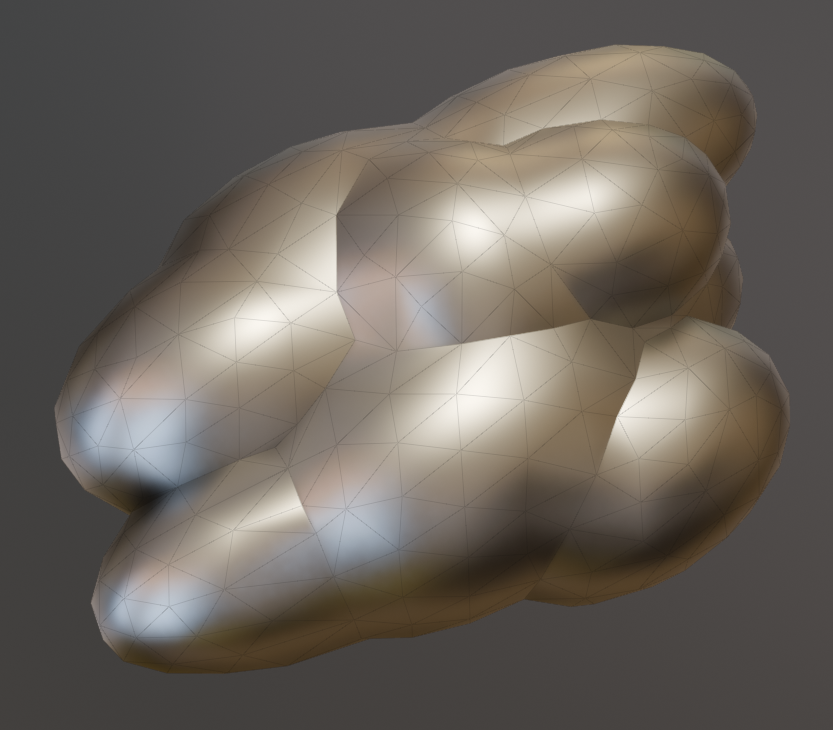 Smooth By Angle
One angle for all edges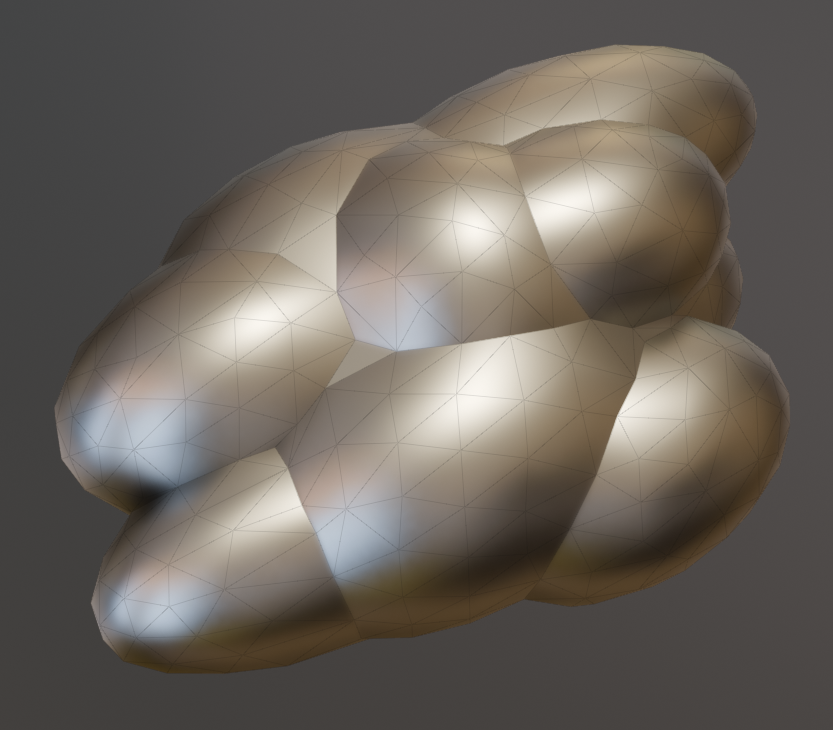 Mark Sharp
Separate angles for convex/concave edges
Options
- Keep Existing: Keep edges already marked as sharp.
- Angle Type:
- Absolute Angle: Use a single angle regardless off convexity. This behaves like "Smooth By Angle".
- Convex / Concave: Specify different angles depending whether edges are convex or concave.
- Edge Creases: Mark creased edges as sharp.
- Custom Normal Seams: Detect seams in custom normals and mark as sharp.
- Remove Custom Normals: Will remove any custom normals from geometry and use default normal calculation from sharp edges.