Boolean Trim

Cut and 'Trim' a mesh using single-sided cutter object(s).
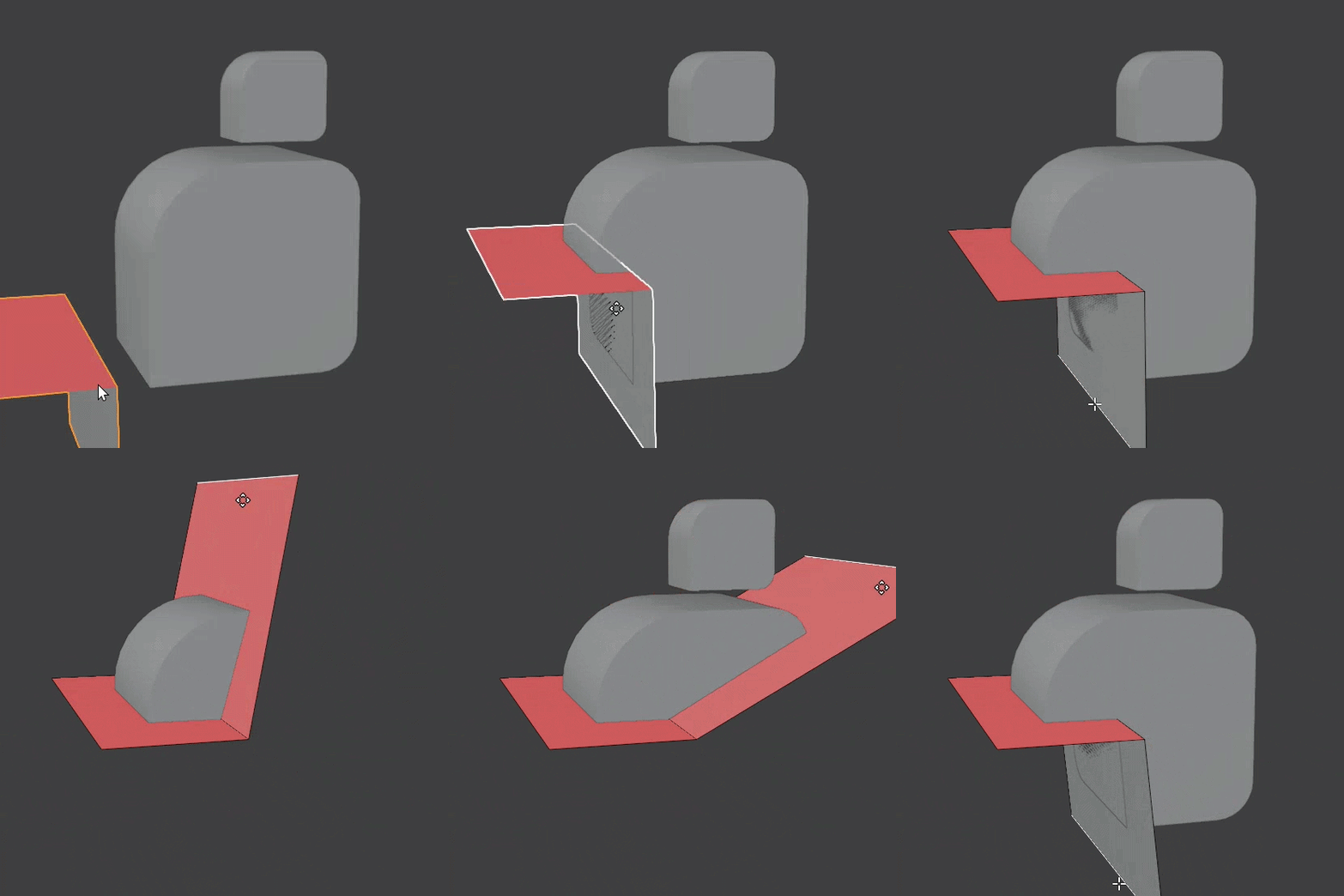 Trim plane(s) can turn corners
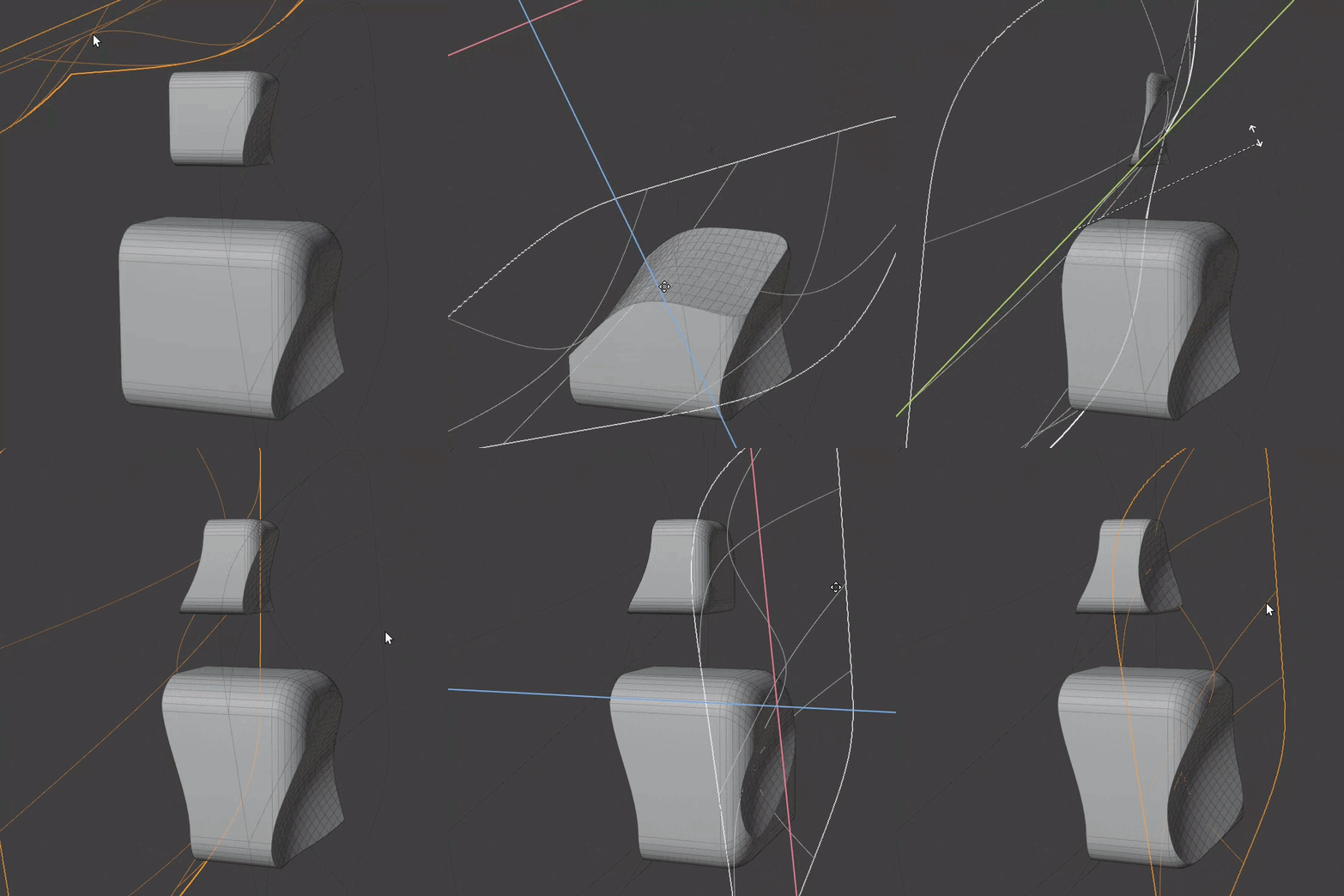 Multiple trim planes can be used with one modifier
Requirements
- Trim plane(s) must be single sided.
- Trim plane(s) must extend through the entire mesh.
Examples
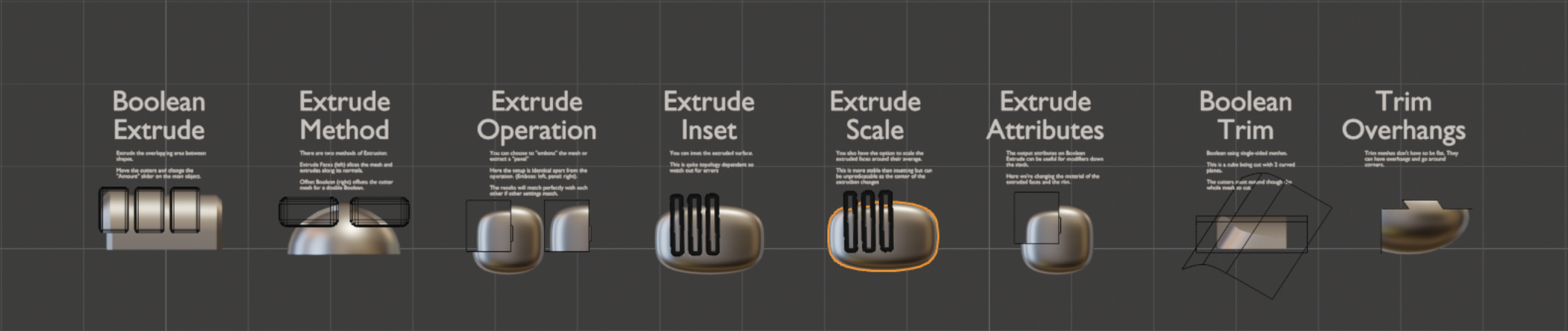
Please check out the examples file to see Boolean Trim in action.
Options
Trim Planes
- Objects/Collection: Choose individual mesh objects or a collection containing mesh objects.
- Object Count: How many mesh objects to insert (when in Objects mode).
Trim
- Reverse Trim Direction. Trim faces on the opposite side of the trim plane(s).
- Solver. The Boolean solver to use for the trim operation.
- Un-Sliced Islands. What to do with mesh islands that aren't sliced by the Boolean operation:
- Trim Per Island. Delete un-sliced mesh islands based on the direction of the nearest cutting plane(s).
- Keep All. Keep all un-sliced mesh islands.
- Remove All. Remove all un-sliced mesh islands.
- Offset. Offset the trim plane(s) with even offset.
- Result.
- Solid. Output solid mesh if possible. Trimmed section is filled.
- Surface. Output single-sided mesh. Trimmed section is removed.
Advanced
- Plane Extrusion. How much the trim plane is extruded before the Boolean operation.
How it Works
- Trim planes are extruded into solid shapes by a tiny amount in the opposite direction to the trim operation.
- These shapes are used for a difference Boolean on the main mesh.
- Mesh islands on the trimmed side are deleted.