Repair Bevel Normals
Beveling a mesh with custom normals can lead to unexpected behavior. This tool identifies bevels and replicates Blender's "Harden Normals" functionality found on the bevel modifier.
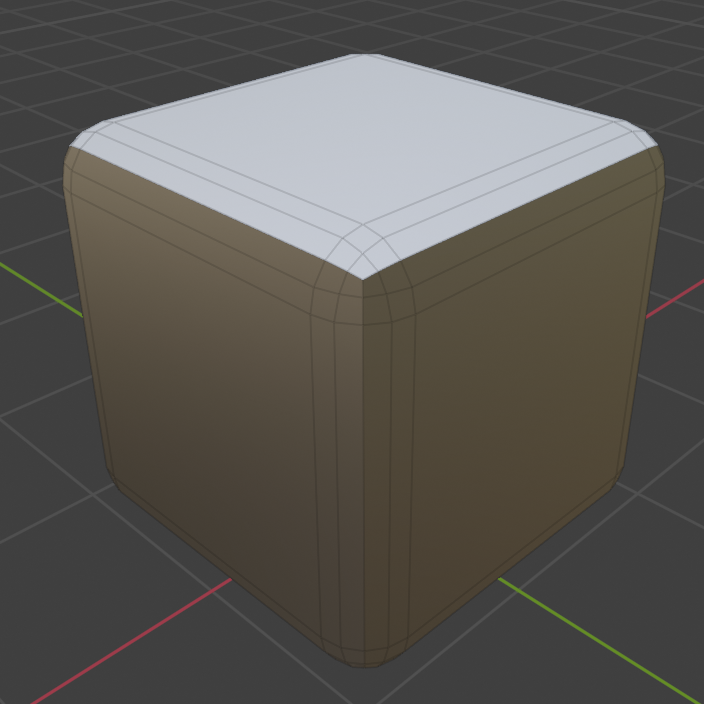
Bevel with custom normals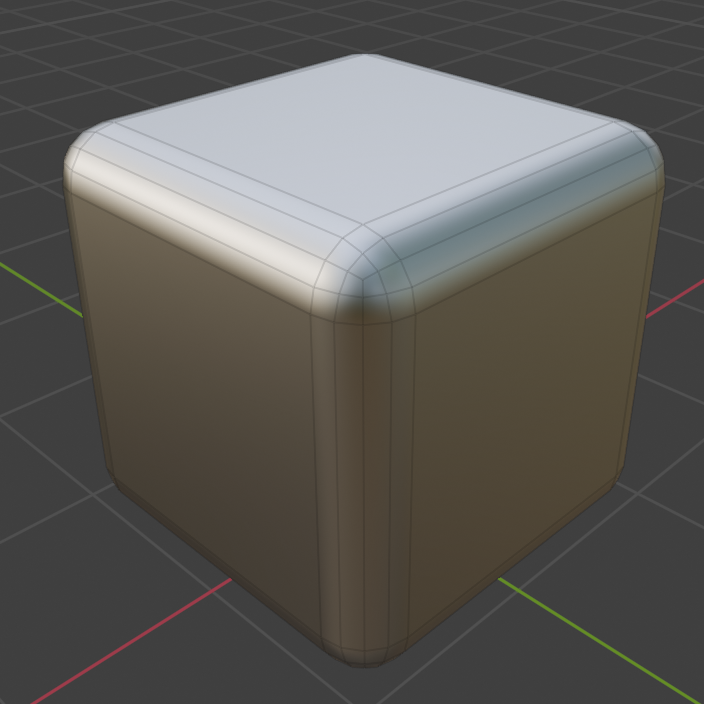
Repaired Normals
Examples
Be sure to check out the examples file to see Repair Bevel Normals in action.

Requirements
- Mesh object with beveled faces you wish to fix
-
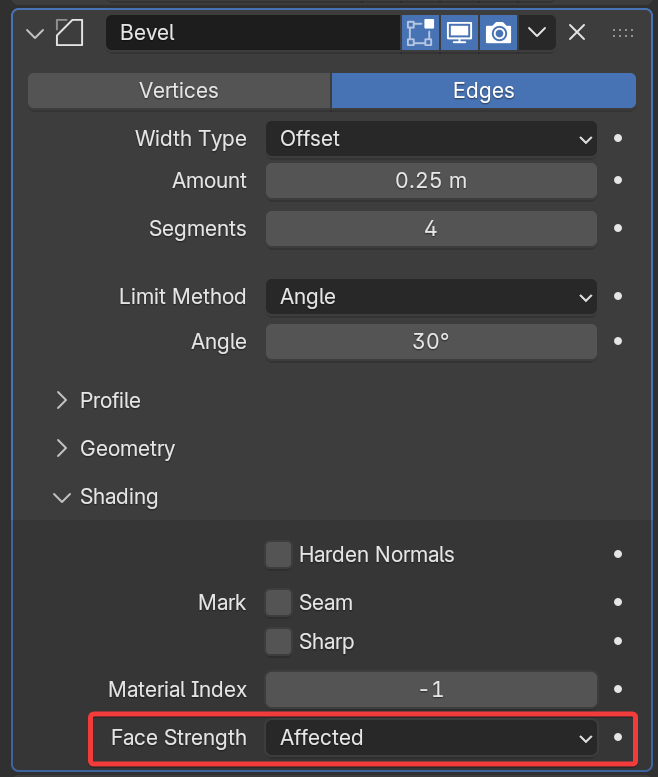
(Recommended) Set Face Strength to "Affected" or "All" on the bevel modifier
Options
Bevel Detection
How to detect bevelled faces.
-
Face Strength. Recommended option. Requires setting face strength on bevel modifier to "Affected" or "All"
- Sharp Bevel Edge. Apply sharp edges to bevel's outer edges.
- Sharp Bevel Corners. Apply sharp edges to bevel's corners.
-
Face Area. Select bevels by their face area.
- Max Bevel Area. Faces with area below this value will be treated as bevels
-
Attribute. Use an attribute or vertex group to select beveled faces.
Area Weighting
For weighting normals inside the bevel. Available when Bevel Detection is set to Face Area or Attribute
- Area Bias. Bend normals towards faces with larger areas. 1 = Direct weight based on area. Higher values will weight more aggressively to larger areas.
- Area Cutoff. Ignores normals from smaller faces. Cutoff is a percentage of face area compared to the largest connected face
Selection Panel
See Selection options