Solidify Pro
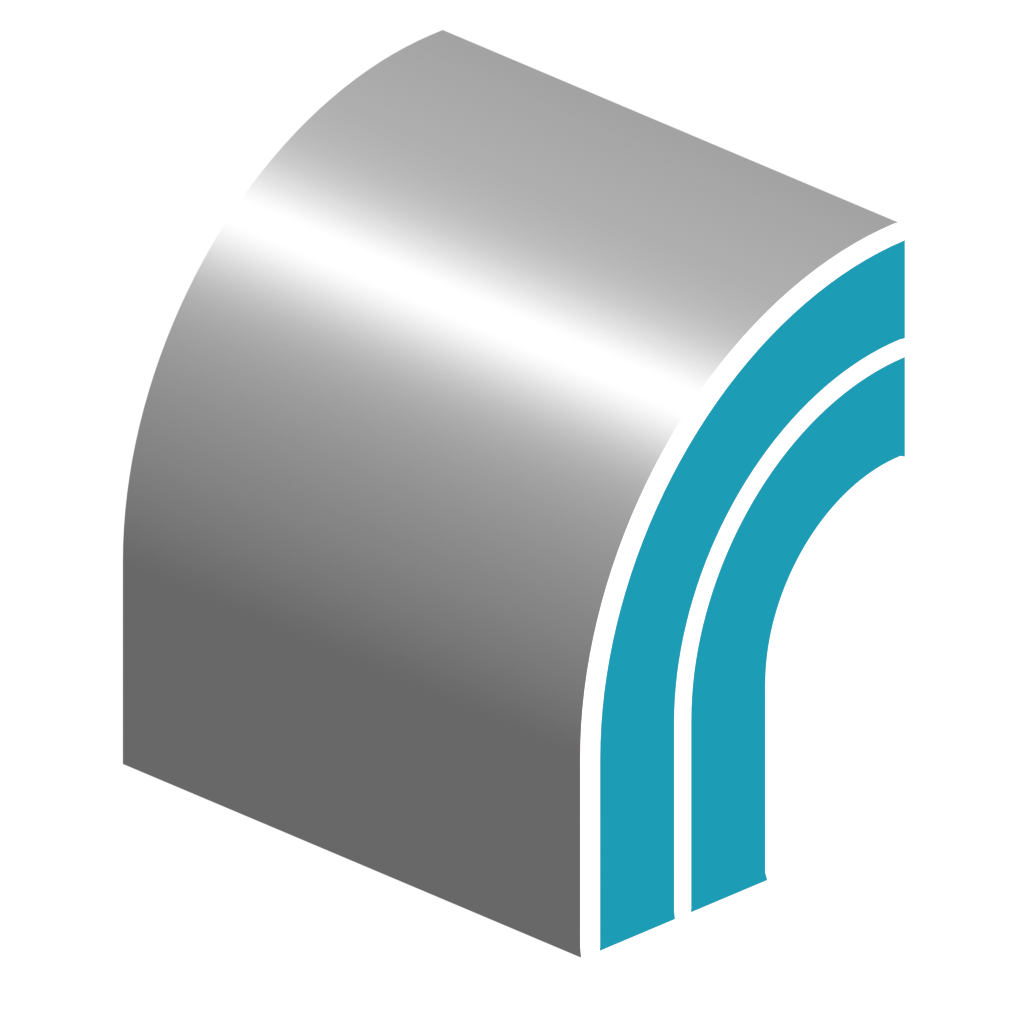
Solidify Pro offers several advantages to Blender's Solidify Modifier:
- Custom normal support.
- Edge loops.
- Custom profile control.
- Inset control.
- More creasing control on the rim.
- Match Boundary normals.
- UV settings.
- Front/Back/Rim exclusion/output attributes.
Examples
Be sure to check out the examples file to see Solidify Pro in action.

Current Limitations
Not all the settings of Blender's native "Solidify" modifier have been replicated yet. The notable exclusions are:
- Cannot solidify edges with more than two faces. This is possible with "Complex" mode in the native modifier.
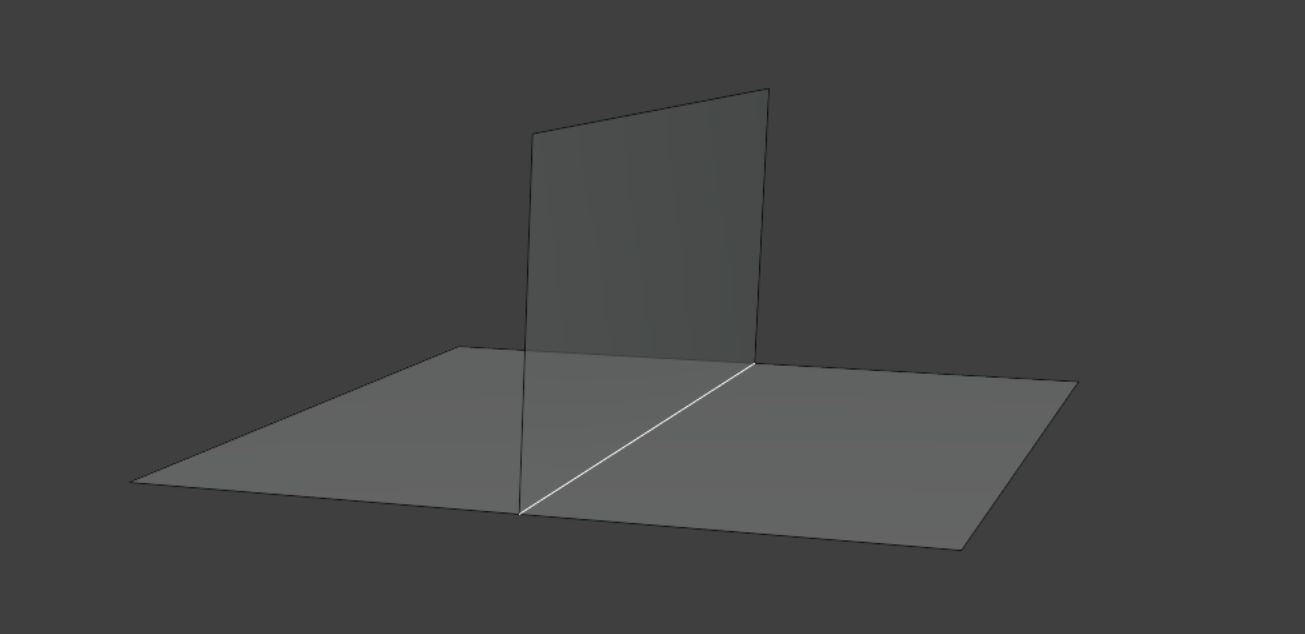
- Float control of Bevel Weight. Bevel weight can be set on/off by using the output attribute Boundary Edges. This attribute can then be specified in a subsequent bevel modifier.
Options
- Thickness: Thickness of solidify operation.
- Offset: Offset the thickness from the center.
- Direction: Direction to extrude:
- Normal: Normal stored on geometry. Will use custom normals if they exist.
- True Normal: Geometric normal (ignores custom normals).
- Custom: Custom direction (Specify).
- Even Thickness: Method for calculating even thickness. See even thickness settings for more information.
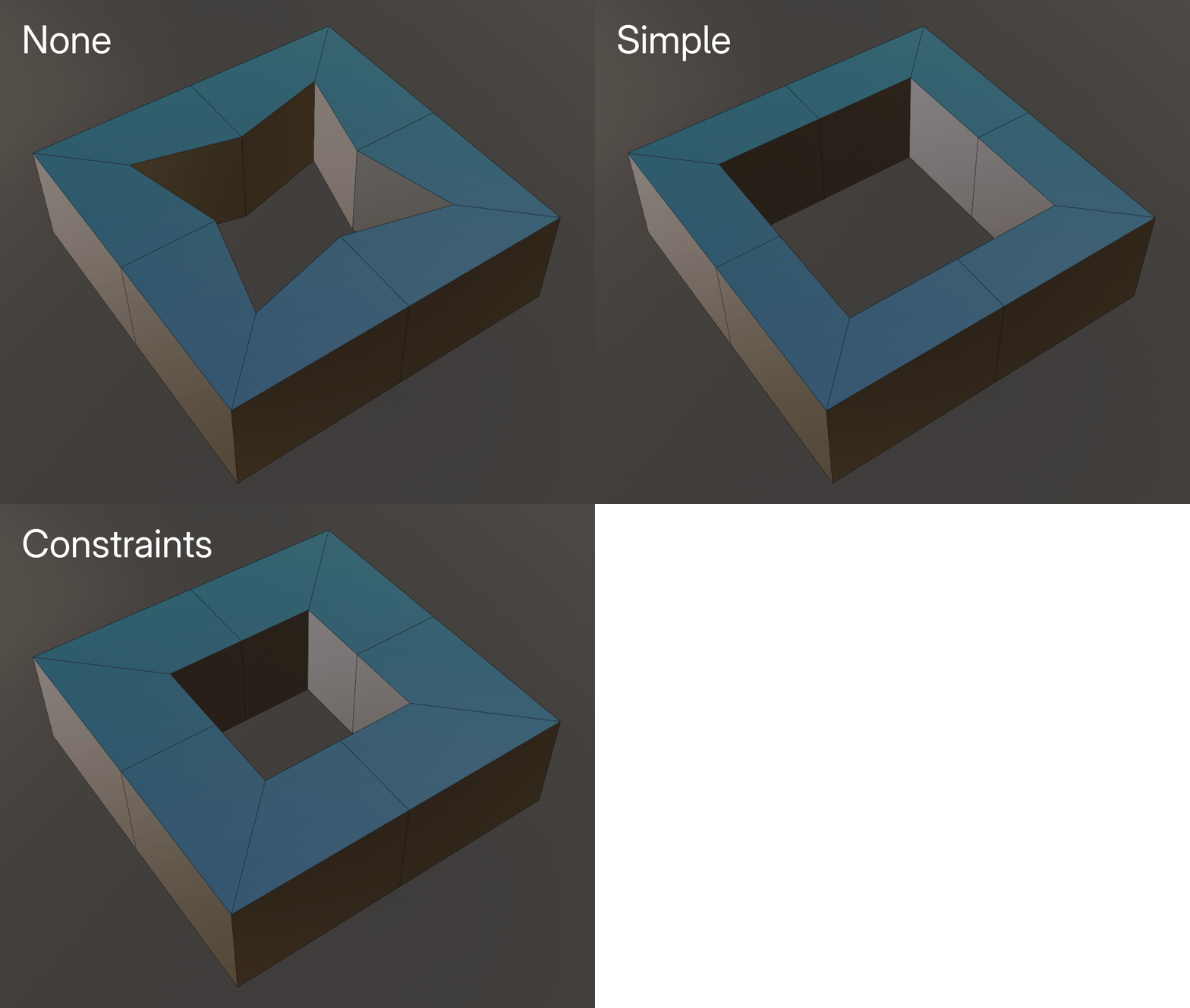
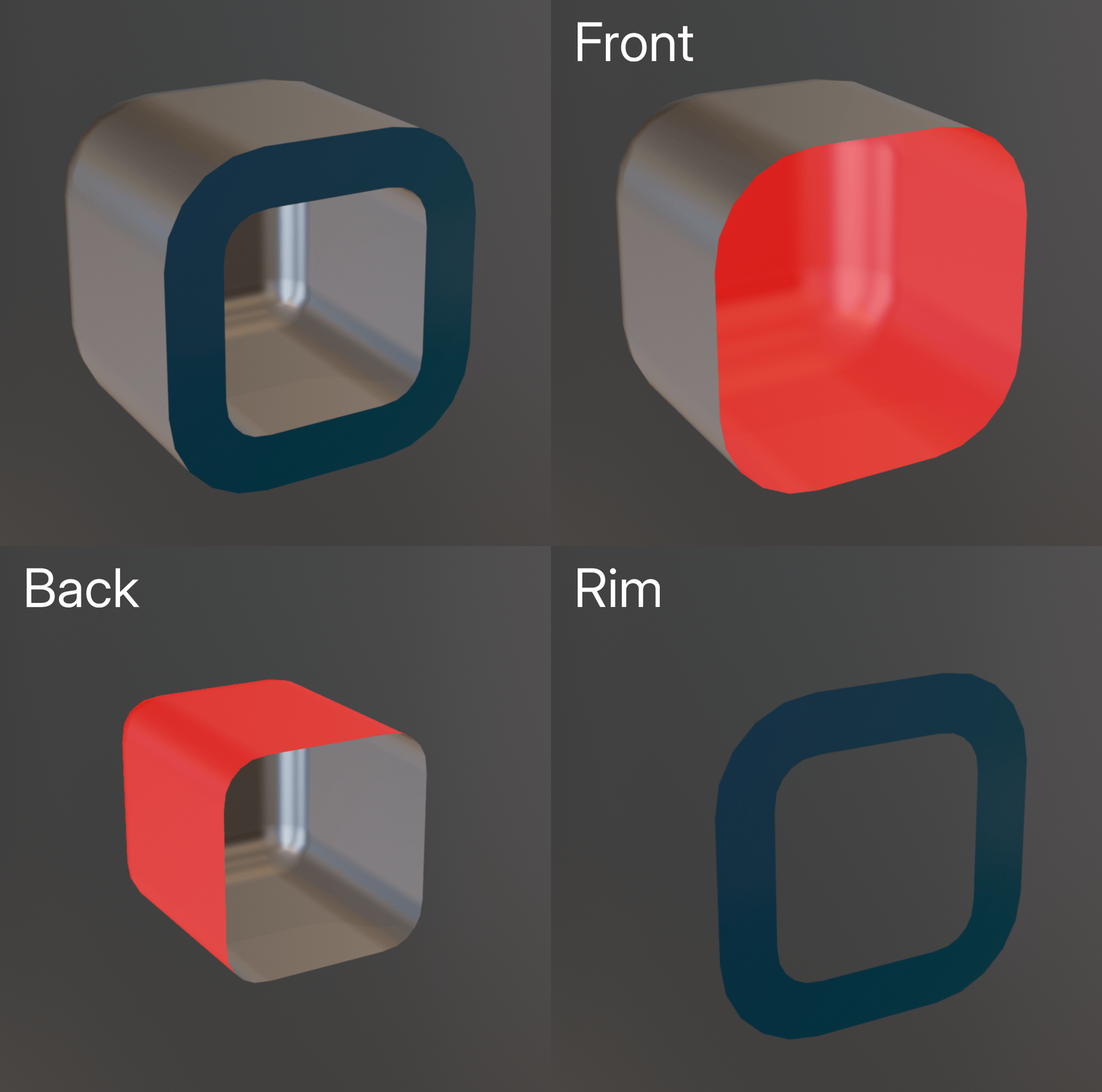
Output Geometry
In this section you can choose which parts of the solidify operation to keep.
Offset Surface
If you only plan on keeping the front/back of the solidify operation, consider using Offset Surface as it's much faster.
Inset
Inset the front or back faces from their boundary edge.
- Amount: Distance to inset faces.
- Edge Falloff: Falloff distance from the edge of the inset. Use to smooth errors at the edge of the inset.
- Scale: Scale faces around their average position. More stable than insetting but can be harder to control.
Rim Geometry
Control the shape of the geometry created along the rim.
- Rim Profile: Shape of the rim profile:
- Linear: Flat rim with even edge loops.
- V-Shape: Specify an angle for a "v-shape" profile.
- Round: Round profile with even edge loops.
- Custom Curve: Provide a curve object to apply as a rim profile.
- Invert: Invert the height of the profile.
- Reverse: Reverse the profile curve (swap left/right).
Profile Geometry
- Profile Height: How height is calculated along the rim profile:
- Consistent: Rim profile is consistent height based on the specified thickness.
- Relative: Rim profile will scale locally based on the distance between points.
- Specify: Specify a value for profile height.
Crease
Apply crease values to the rim. - Front: Crease value to apply on the front boundary. - Back: Crease value to apply on the back boundary. - Rim Crease: Method for creasing perpendicular rim edges: - Edge Angle: Apply creases by edge angle. - Signed Edge Angle: Apply creases by convex/concave angles. - Vertex Crease: Use Vertex creaes values for edge creases. - Rim: Crease value to apply to selected rim edges.
Normals
Control normals and sharp edges. - Mark Sharp: Mark solidified edges sharp. - Profile Angle: Angle along the profile curve to mark sharp (along the rim). - Rim Angle: Angle to mark sharp across the rim. - Extend Sharpness: Extend sharp edges across the rim. - Match Boundary Normals: Match normals along the rim boundary. Requires at least one edge loop.
Materials
Specify material to use on rim, you can either set material by index or specify a material.
UVs
Choose whether and how to generate UVs on rim faces
Selection
Which faces to solidify. See selection settings for more information.