Mask by Occlusion
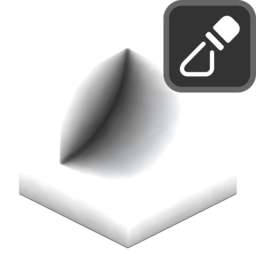
Creates a mask based on ray-traced ambient occlusion. Internally uses the vertLab Ambient Occlusion modifier.
Settings
Mix
Mix generated mask with existing one.
- Blend Mode: Blend mode with existing mask:
- Disable: Disable blend.
- Replace: Replace A with B.
- Multiply: Muliply A by B.
- Add: Add B to A.
- Min: Minimum value of A and B.
- Max: Maximum value of A and B.
- Screen: Brighten A using the brightness of B.
- Overlay: Brighten/darken A using values above/below 0.5 on B.
- Divide: Divide A by B.
- Subtract: Subract B from A.
- Opacity: Opacity of blend.
Rays
- Accumilation: How ray values are accumilated:
- Average Hit Distance: Uses the average ray hit distance compared with the ray length. Often produces smoother results but values will change with the ray length.
- Hit Count: Uses ray hit/miss ratio. Can be noisier but values are independent of ray length.
- Ray Count: Number of rays cast from each point.
- Ray Length: Maximum distance to check for ray collisions.
- ConeAngle: Maximum ray angle from the normal. Rays will be distributed evenly in a cone up to this angle.
Blur
Blur result. Can help improve noise on dense meshes.
- Blur Iterations: How many iterations to blur the result.
Occlusion Geometry
- Occlusion Object: Additional object to act as occluder.
- Occlusion Collection: Additional collection of objects to act as occluders.
Values
Further adjust mask values.
- AO Strength: Raises calculated AO by a power.
- Invert: Invert output mask.
- Black Point: Black point of mask, increase to spread black values.
- White point: White point of mask, decrease to spread white values.