Attribute Flow
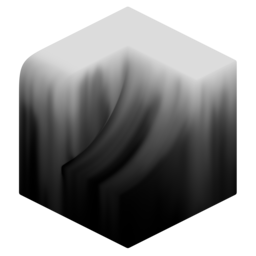

Run a flow simulation of an attribute across the surface of a mesh. This modifier has two versions with mostly identical settings:
- Attribute Flow: Static flow simulation is calculated at once, number of iterations is specified up-front.
- Attribute Flow Animated: Flow is calculated per frame.
Flow Steps
Getting the size of flow step for a mesh is important:
- Too low = stepping artifacts.
- Too high = very expensive.
Large step, low resolution:
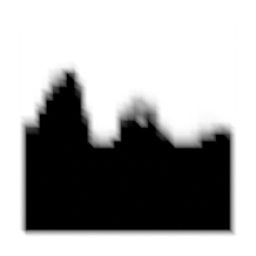
Large step, high resolution:
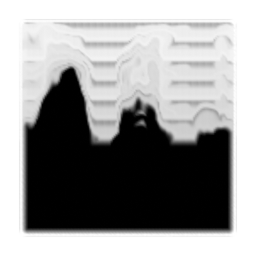
Small step, high resolution:
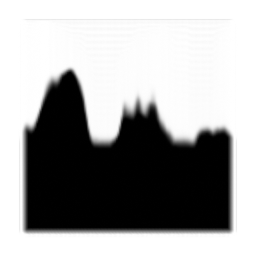
Fade
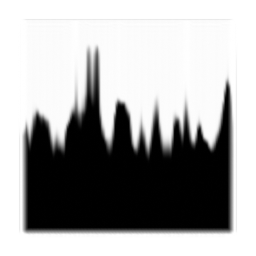
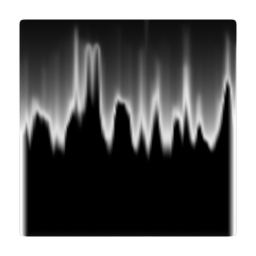
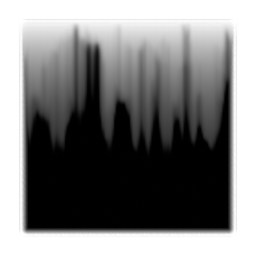
The fade value can be positive or negative.
- Positive values allow for darker areas to flow into lighter areas.
- Negative values fade the attribute each iteration.
No Fade:
Positive Fade:
Negative Fade:
Streaks
Streaks are created by a random noise slowing down the flow, by adjusting this noise you can achieve a wide variety of streak styles
Flow Direction
The direction of flow can be based on a single direction or vector attribute. Random direction can then be mixed in. For completely random direction set direction to [0,0,0] and random value to 1.
Standard down direction:
Bidirectional on:
Fully random bidirectional:
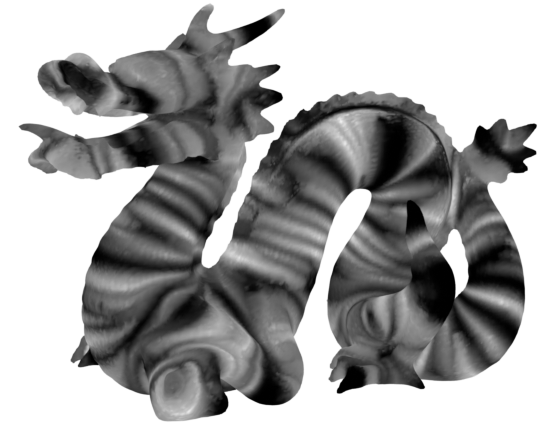
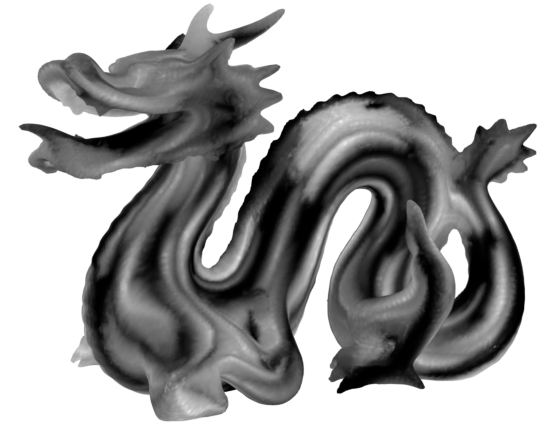
You can use directions output by Curvature Direction. Bidirectional should be turned on because the curvature direction is bidirectional by default.
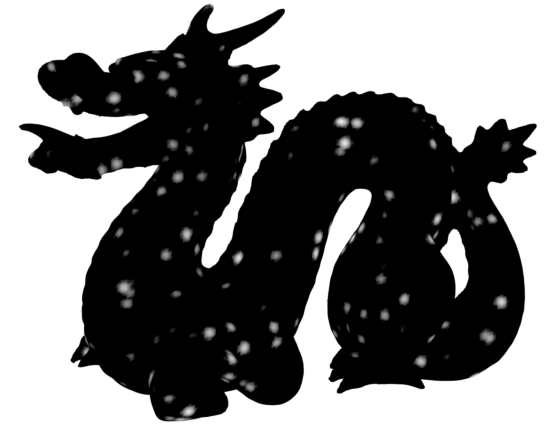
Base noise:
Flow along max curvature:
Flow along min curvature:
Outputs
- Attribute: Output attribute with flow applied.
- Color: Output flowed attribute as color (used for visualisation).
Settings
- Attribute: Attribute to run flow simulation on.
- Simulation: Calculate flow all at once or per frame:
- Static: Calculate all flow steps at once, independent of time.
- Animated: Calculate one step of flow per frame.
Direction
Direction of flow.
- Space: Coordinate space of flow direction:
- Local: Flow direction is in local space (uses object rotation)
- Global: Flow direction is in global space (ignores object rotation)
- Direction: Flow direction vector.
- Random: Mix in random noise to flow direction. A value of 1 will completely ignore specified direction.
Random Noise
Noise settings for the random direction.
- Noise Scale: Size of the largest features in the noise.
- Octaves: The number of noise octaves. Higher values give more detailed noise but increase render time.
- Roughness: Blend factor between an octave and its previous one. A value of zero corresponds to zero detail.
- Noise Offset: Offset the noise W position. Effectively a smooth transition between seeds.
Flow Steps
Flow simulation settings.
- Flow Iterations: How many iterations of flow to calculate.
- Step Size: Maximum distance travelled by each flow step. Bigger step sizes are cheaper to calculate but can result in stepping artifacts.
- Fade: Fade the head/tail of the flow simulation. Positive values will fade the tail (allowing darker areas to flow over lighter areas). Negative values fade the head resulting in a smooth fade out of the flow.
- Minimum Angle Speed: Decrease flow speed depending on surface angle. 0 will completely stop flow on surfaces perpendicular to the flow direction. 1 will ignore the surface angle and full flow speed will occur everywhere.
Streaks
Add streaks/noise to the flow simulation.
- Amount: Intensity of streaks applied to flow simulation.
- Thickness: Scale of the noise used for streaks. Higher value = thicker streaks.
- Offset: Offset the streak noise W position. Effectively a smooth transition between seeds.
Noise Values
Aditional noise settings to change the shape of streaks.
- Noise Octaves: The number of noise octaves. Higher values give more detailed noise but are more expensive. Stop increasing when there is no visual impact.
- Noise Roughness: Blend factor between an octave and its previous one. A value of zero corresponds to zero detail.
- Stretch: Stretch the noise used for streaks in the flow direction. 0 = No stretch, uniform noise. 1 = Maximum stretch, 2D noise.
- Contrast: Increase value contrast of noise, giving higher contrast streaks.
- Bias: Midpoint of contrast operation. Higher values will produce a darker noise.
Mask
Mask flow with an attribute.
- Attribute: Attribute to inhibit flow.