Curvature Direction
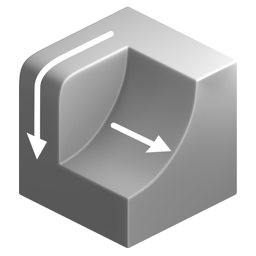
Calculate the direction of maximum and minimum mesh curvature. The result is a vector that can be used for further operations such as Attribute Flow or point advection.
Images on this page use a simple point advection available in the examples file.
Types of Curvature Direction
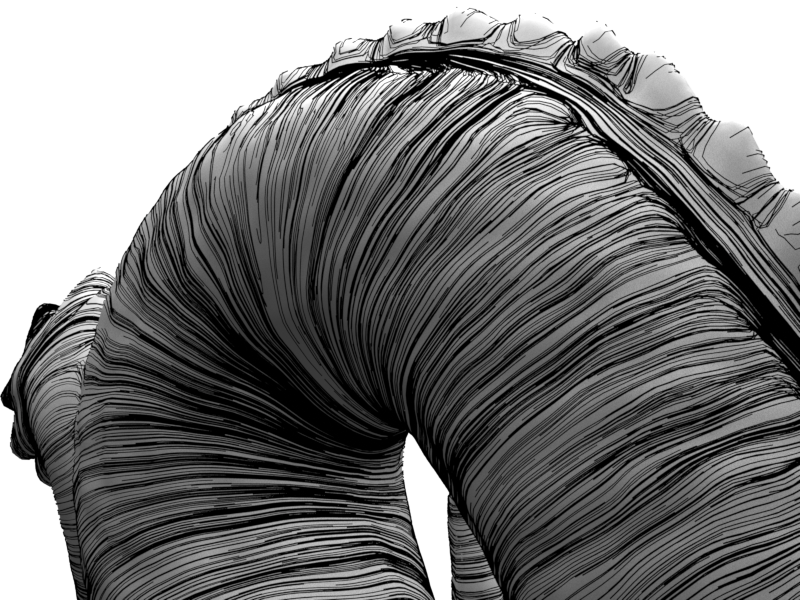
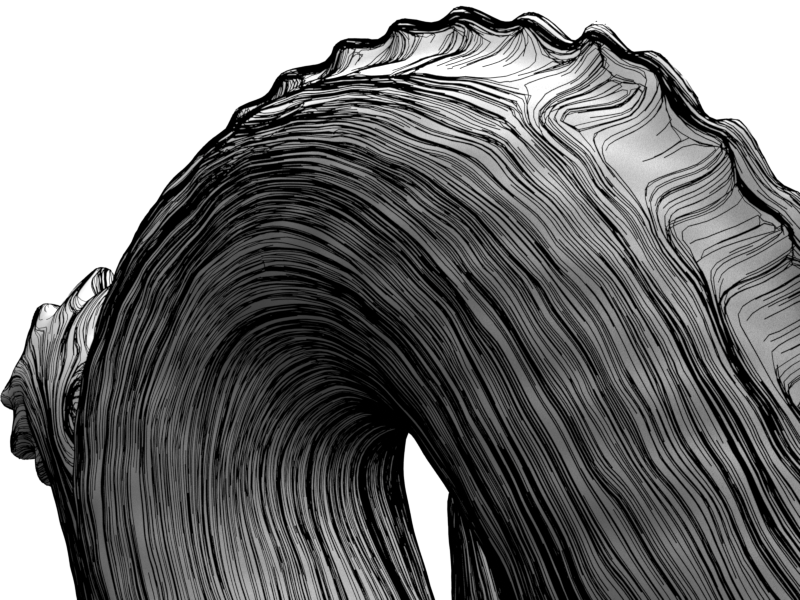
Principled Curvature - Signed
Direction of maximum signed curvature: Across convex areas, along concave areas. Vectors can flip as the property is bi-directional.
-
Max Curvature
-
Min Curvature
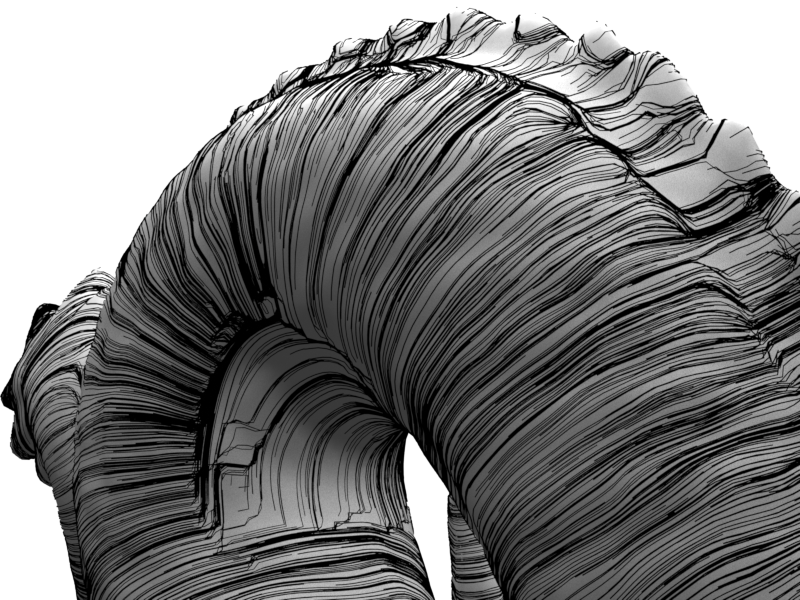
Principle Curvature - Unsigned
Direction of maximum unsigned curvature: Across both convex and concave areas. Prone to abrupt right angle changes. Vectors can flip as the property is bi-directional.
-
Max Curvature
-
Min Curvature
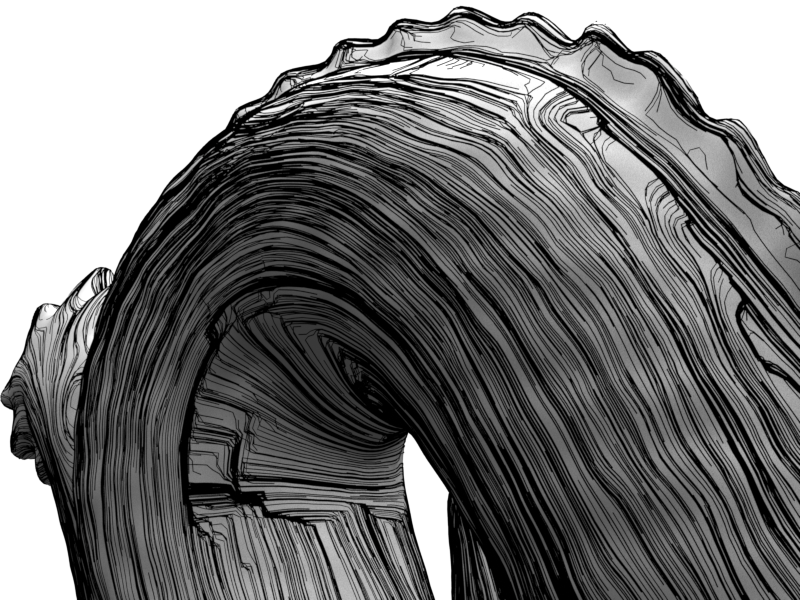
Change in Normals
Direction of change in neighboring normals. Produces a more swirly field that has a single direction (doesn't suffer from flipping).
-
Max Curvature
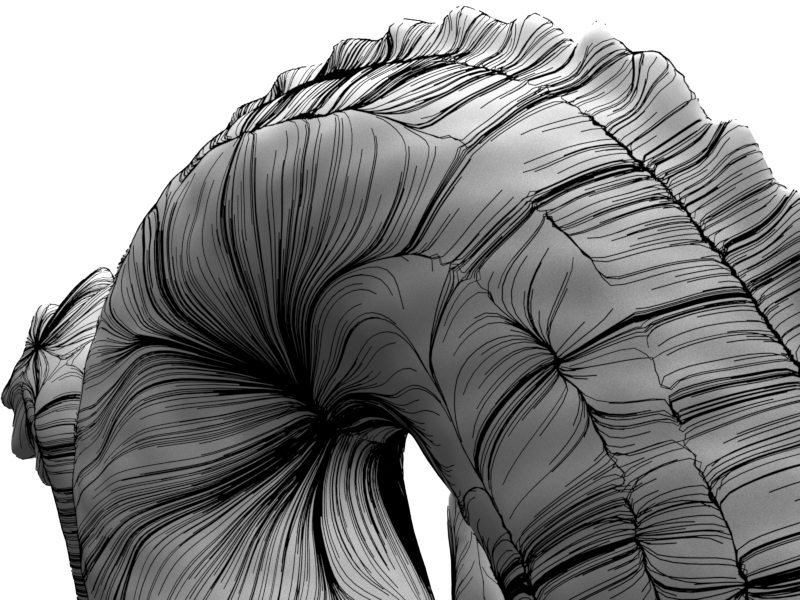
-
Min Curvature
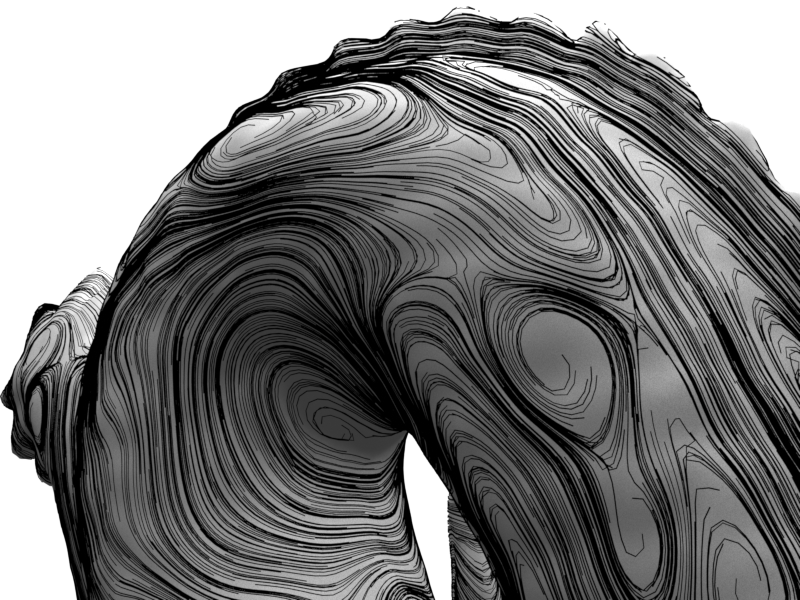
Smoothing the Direction
The option to smooth input normals can be used to filter the scale of curvature to measure.
-
Unsmoothed Input Normals
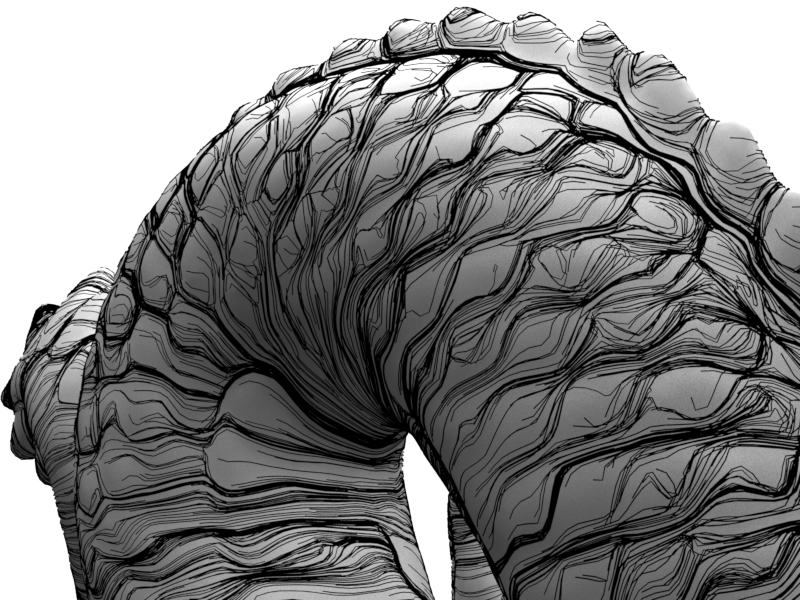
-
Smoothed Input Normals
Outputs
- Curvature Max Dir: Direction of maximum curvature.
- Curvature Min Dir: Direction of minimum curvature.
- Color: Direction of min/max curvature depending on debug settings.
Settings
- Curvature: Type of curvature direction:
- Principle Signed: Direction of maximum signed curvature: Across convex areas, along concave areas. Vectors can flip as the property is bi-directional.
- Principle Unsigned: Direction of maximum unsigned curvature: Across both convex and concave areas. Prone to right angle changes. Vectors can flip as the property is bi-directional.
- Change in Normals: Direction of change in neighboring normals. Produces a more swirly field that is immune from the bidirectional flipping issue.
- Use Triangulated Mesh: Use a triangulated copy of the mesh to calculate curvature.
- Smooth Normals: Iterations to smooth normals before calculating curvature direction.
Debug Views
- Debug Direction:
- Max: View maximum curvature direction.
- Min: View minimum curvature direction.
- Draw Debug Vectors.
- Length: Length of displayed vectors.
- Color: Output color attributes. Toggles outputting existing "Color" attribute or curvature direction. Remove output attribute to stop writing a color attribute.
- Color Values:
- Remapped 0-1: Remap values to 0-1 to view the full range as color. Areas of direction reversal visible.
- Unchanged: Use curvature values directly as color. Areas of direction reversal visible.
- Absolute: Absolute curvature direction. Ignores areas of direction reversal.