Install
vertLab is installed as an asset library, not an add-on.
TLDR
Download the .zip, extract to a folder, add the folder as an asset library.
For more detailed instructions see below.
For more information on asset libraries you can check Blender's Official Documentation
First Time Install
- Download latest .zip file for the closest Blender version (vertLab 5.2 v1.0.0.zip).
- Unzip/extract to a folder in your desired location.
- Open Blender and go to Edit/Preferences/Asset Libraries.
- Click + Add Asset Library.
- Navigate to the unzipped folder and press Add Asset Library.
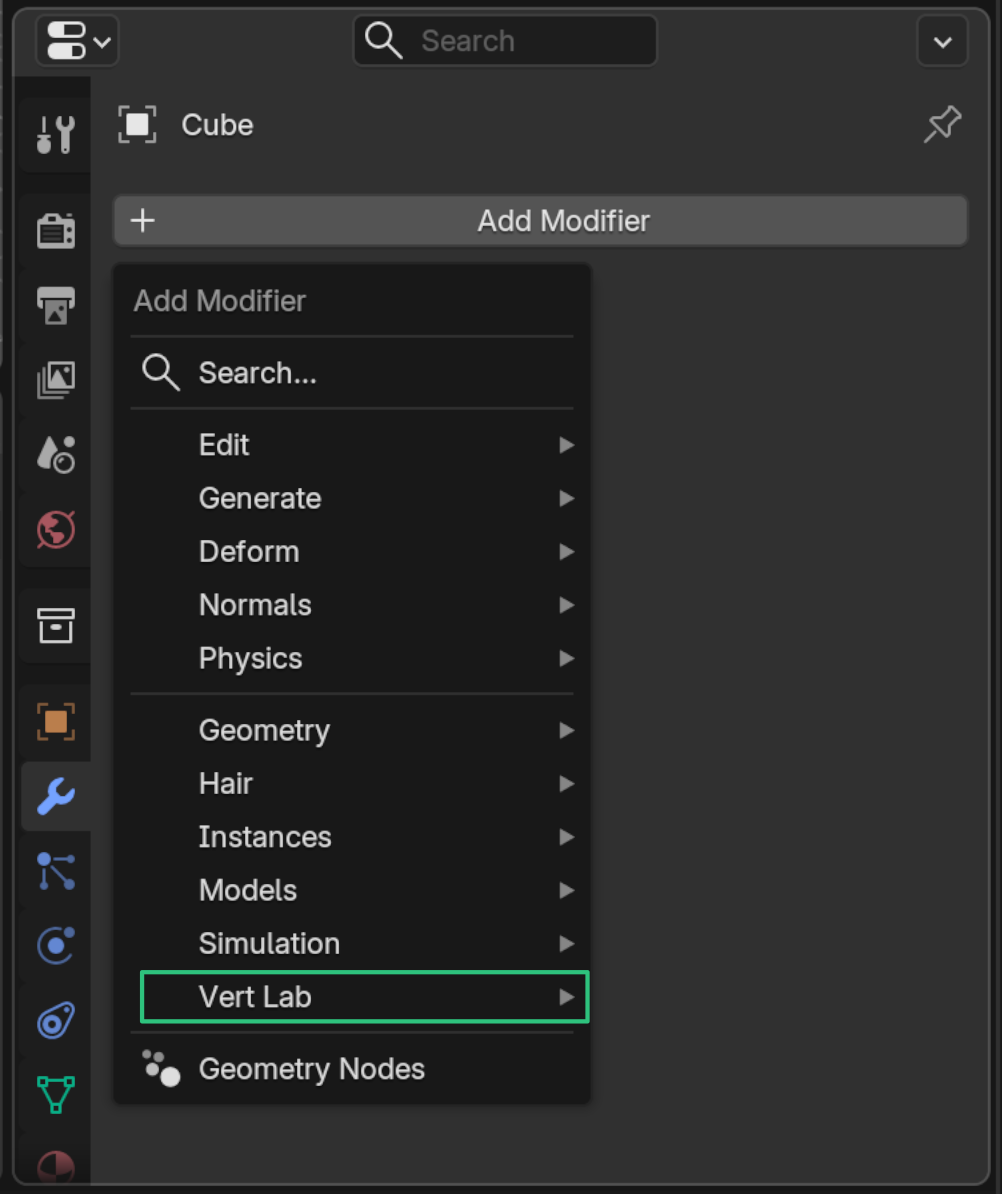
- You should now see "Vert Lab" in your asset libraries.
Recommended: Here you can choose how the data is imported by default. Setting this to Pack or Link will make it easier to update versions. Pack is recommended, see Official Documentation for more information.
vertLab should now be installed. Modifiers will now show up under the Add Modifier menu.