Surface Integration
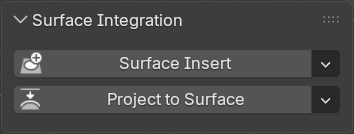
This panel contains operators to quickly add Surface Insert and Project to Surface modifiers.
Surface Insert
Add a Surface Insert modifier to the active object.
How to Use
- (Optional) Select 1-6 insert meshes
- Select surface mesh last
- Press the Surface Insert button
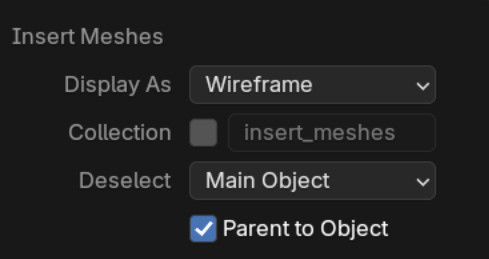
Insert mesh options
Similar to the Boolean cutters menu, there are options for what to do with insert meshes.
Project to Surface
Add a Project to Surface modifier to all selected objects but the last selected.
How to Use
- Select one or more objects you wish to project
- Select the surface mesh last
- Press the Project to Surface button
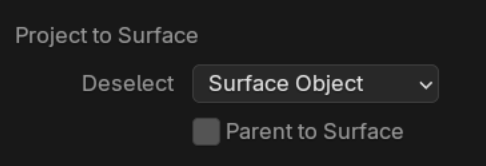
Projection Mesh Options
Similar to the Boolean cutters menu, there are options for what to do with the projected meshes.
Modifier Settings
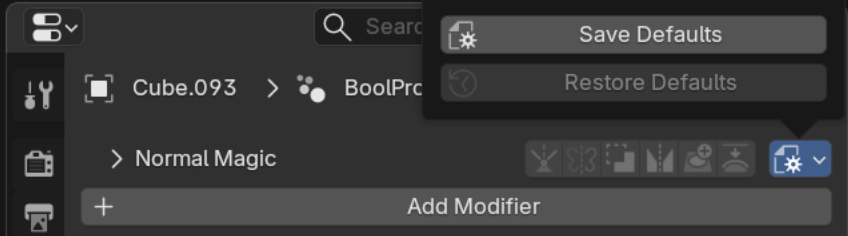
To change default modifier settings for either modifier, see modifier defaults.